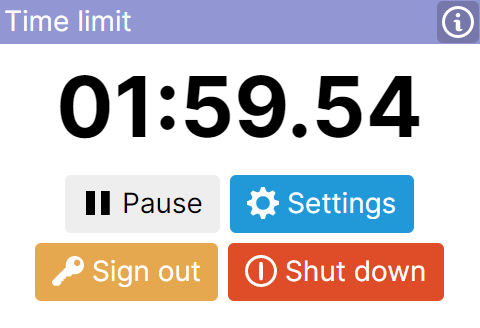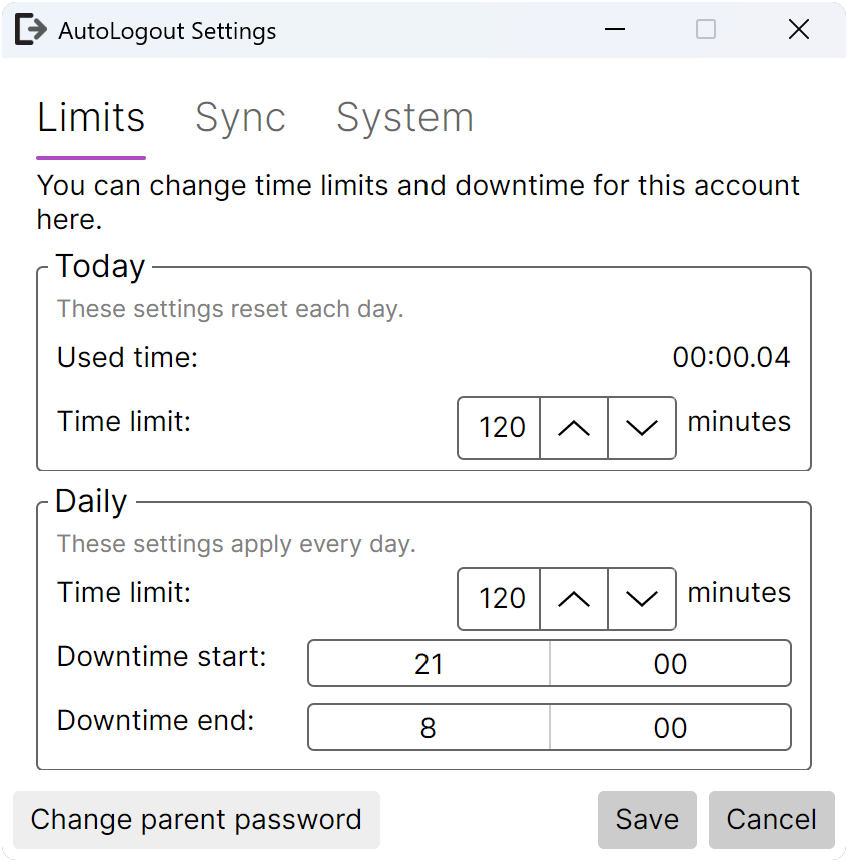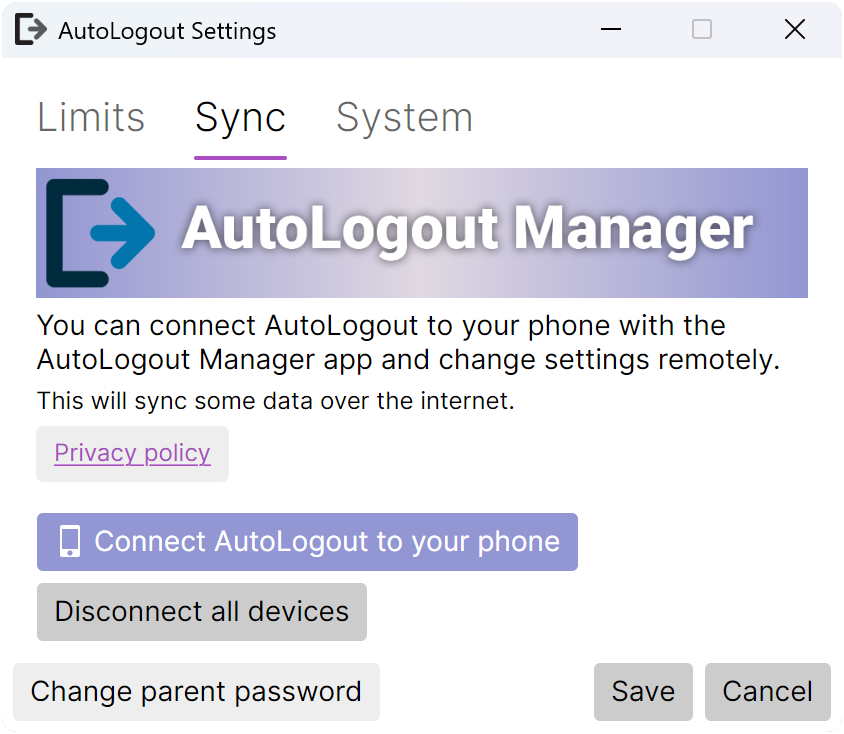
AutoLogout adds simple parental controls to an account on PC.
Looking for the mobile app? Click here.
AutoLogout will be installed system-wide. Open AutoLogout on the accounts that you would like to supervise/monitor.
Download or update AutoLogout anytime using your terminal. The best binary for your machine will be automatically selected, and dependencies will be installed for you.
        winget install Yiays.AutoLogout
        ⎘
Use the guided installer to easily install AutoLogout. You only need to install AutoLogout once per computer.
You will need .Net Desktop Runtime 10.0. You can download it here.
Portable advanced
With a portable installation, you will need to find a place to keep the application. You might also want to change file permissions to prevent tampering.
AutoLogout is open source
Feel free to browse the source code and build from scratch.
View source codeBrowse the GitHub releases tab for information about the latest releases and pre-releases.
GitHub ReleasesView source code
Screenshots